


Symptoms
When you try to remove the NodeJS application from cPanel >> Software >> NodeJS, the following error is returned:
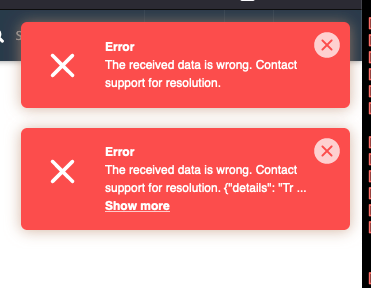
ERROR:[Errno 2] No such file or directory: '/home/cptechs/public_html/app/.htaccess'
Description
This occurs because the application directory has been removed via the command line instead of properly removing it from the interface.
Workaround
1. Created the directory of the application since it was removed:
# mkdir -v /home/cptechs/public_html/app
mkdir: created directory ‘/home/cptechs/public_html/app’
In the example above, the application's directory was /home/cptechs/public_html/app. You will need to change to the appropriate directory in your case depending on where the application was created.
2. Created an empty .htaccess file in the directory:
# touch /home/cptechs/public_html/app/.htaccess
3. Changed the ownership of the file created above to the appropriate cPanel user:
# chown cptechs:cptechs /home/cptechs/public_html/app/.htaccess
